


A paradigm shift in printing
Goodbye to ICC profiles – welcome to color tables and purer colors.
For almost 30 years, we have let Adobe rule printing with ICC profiles – a complicated, software-controlled process that has never given us the right colors.
At this print workshop , we bury and say goodbye to ICC profiles and Adobe's color engine in Photoshop and Lightroom.
We are starting a new era – a paradigm shift in the art of getting the most accurate and purest colors in print.
Course dates:
Tuesdays 4–9 p.m.
Sundays 1–6 pm
The last course date is Tuesday, December 16th.
Price and registration:
Introductory price: NOK 3,900 (Regular price NOK 4,900)
Sign up at the bottom of the page.

DAIDDA.NO
Registration: Print workshop "The new way to print"
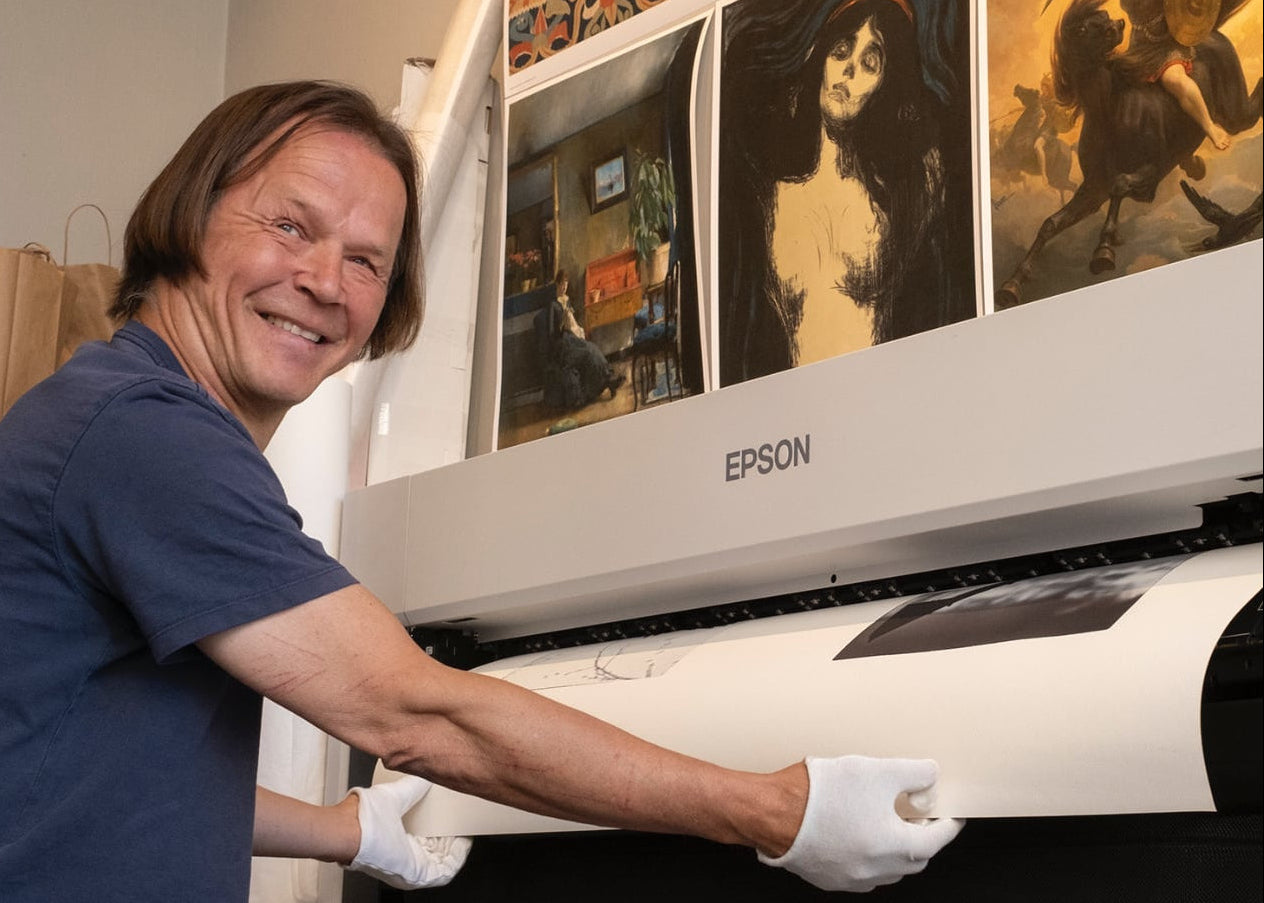
Per Arnfinn about the workshop
“You will learn to print with color tables that provide far more accurate and pure colors, better skin tones, less grain, and far greater color depth.
And then you will discover that we are able to print colors that were previously thought impossible to achieve – colors that you know are in the file.
As a bonus, when everything is set up correctly, we can print equally good photos and drawings directly from iPhone and iPad – and to some extent from Android.”
— Per Arnfinn Persen , Printmaster at DÁIDDA Printlab

You will learn this at the print workshop
Printing with Color Look-Up Tables (LUTs): Learn to use LUTs that replace ICC profiles and provide printing with maximum color accuracy.
Understand the difference from ICC profiles: See why LUT printing is a paradigm shift – simpler, cleaner and more precise.
Get purer, more accurate colors: Achieve deeper color saturation, better skin tones, and less grain—especially in portraits and low-contrast photos.
Print from iPhone, iPad and Mac: You will learn how to print professionally directly from your mobile or tablet with perfect color reproduction.
Set up printer and paper profiles: Learn how to connect your printer, select the right paper types, and define quality for LUT printing.
Practical printing of your own photos: All participants print their own photos in large format - with guidance along the way.
Choose the right paper for your subject: Understand the difference between cotton, baryta and textured art papers – and how paper choice affects expression, light and depth.
Joint assessment and paper discussion: We discuss the images in plenary and choose paper based on the character and color tones of the subject.
Foto: DÁIDDA, bilder tilhører kursdeltaker Dag Selboskar
Agenda
1. Installing the necessary software
We start by installing the software you need to print with color look-up tables (LUTs).
You will learn how to connect the printer's driver correctly, and how to disable Adobe's color engine in the print dialog.
2. Connecting the printer
You will learn how to properly connect the printer to your Mac or PC – both via USB and network. We ensure that the communication between the machine and printer works optimally, so that LUT printing produces consistent results.
3. Setup of paper types and qualities
Here we set up the paper types and qualities you want to use for LUT printing. We explain how paper selection affects ink volume, texture and tone range, and how to save your own paper settings in the driver.
4. Printing from Photoshop
Step-by-step walkthrough of how to print with color tables directly from Photoshop.
You will learn how to turn off ICC profiles, use LUTs correctly, and get predictable color reproduction from screen to print.
5. Printing from Lightroom
You will learn how LUT printing works from Lightroom Classic as well.
We show you how to override Adobe's color engine, set the correct paper sizes, and get consistent color control across your entire workflow.
6. Printing from Capture One, Affinity Photo and DXO PhotoLab
If any of the participants use these apps, we will show how LUT printing can be set up here as well. The goal is to understand that the same method works regardless of the software – with identical colors and results.
7. Printing from Photos (Mac/Windows)
We show you how to print with LUTs directly from the built-in photo apps in macOS and Windows.
This is new and revolutionary – now you can get the right colors even without professional editing programs.
8. Printing from iPhone, iPad and Android
You will learn how to print from your mobile phone – with the same color precision as from your desktop. We will show you how LUT printing works perfectly on iOS (iPhone and iPad), and how to get the right colors from Android devices as well.**Currently, there is no Android app that supports large format and correct scaling at the same level as iOS.
9. Direct printing from memory stick or SSD hard drive
We'll go over how you can print without a computer - straight from a memory stick or external hard drive.
Perfect solution for galleries, photo exhibitions and trade fairs, where easy and quick access to prints is required.
10. Participants' own print and choice of paper
Finally, each participant prints their own photos in large format.
The course fee includes a total area of 1.08 m² , and you can choose between:
- 2 pictures in 60 × 90 cm , or
- 3 square pictures 60 × 60 cm , or
- 1 panoramic image in 60 × 180 cm
We look at the pictures together on the big screen and discuss which paper best suits the subject .
You will learn how paper choice affects expression, contrast, light and depth , and gain practical experience in choosing the right between cotton, baryta and textured art papers .
Questions? Get in touch.
Tilbakemeldinger
-
A few weeks ago, I attended a print workshop with master printer Per Arnfinn Persen at Daidda Printlab in Oslo. The goal of the workshop was to learn how to move away from traditional ICC profile–based printing and instead use LUTs embedded directly in the printer hardware.
It was incredibly satisfying to see prints that matched far more accurately than what I had achieved before—color temperature was spot on, and it finally felt like I was getting the full range of colors from the available color gamut. Printing at such a large scale was a lot of fun too; I guess it’s time to start saving up for an Epson SC-P8500D!
- Øystein Klausen